Made for service business owners.
You started a business to serve customers.Not to spend your nights updating spreadsheets.
One system for all of it.
1-month free trial. No card needed.
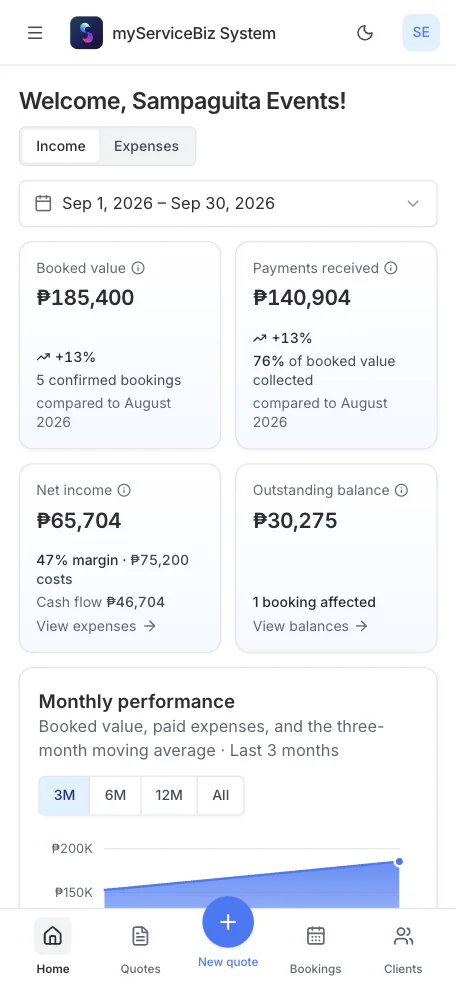
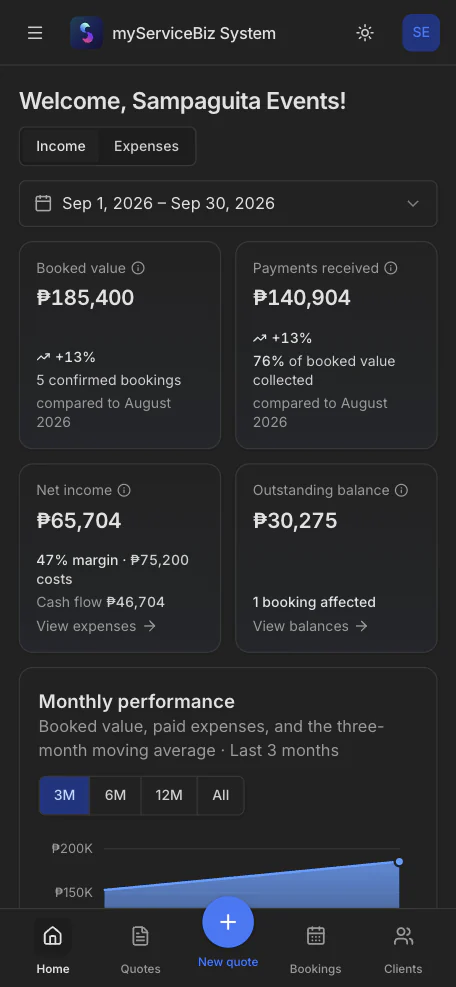
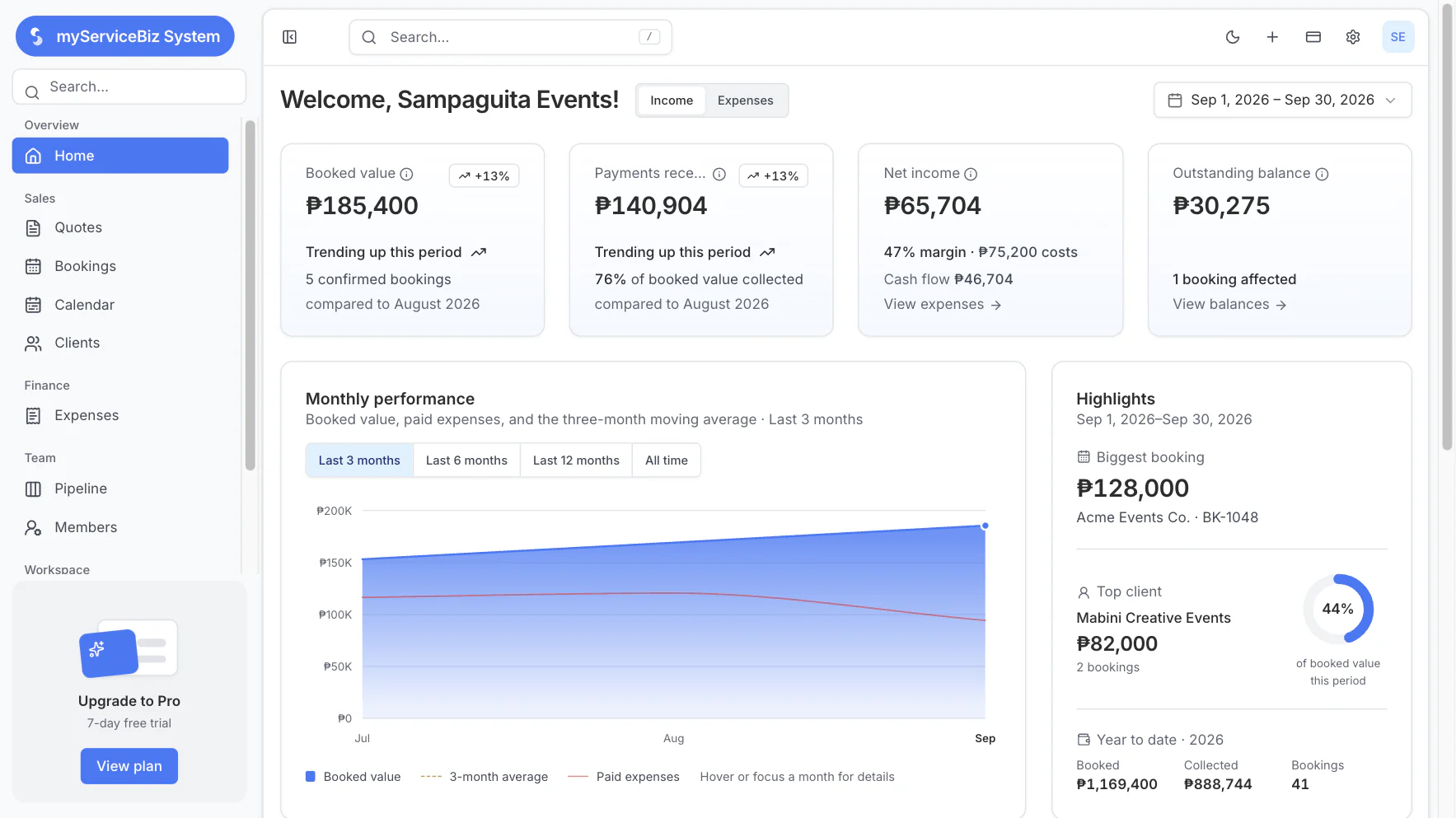
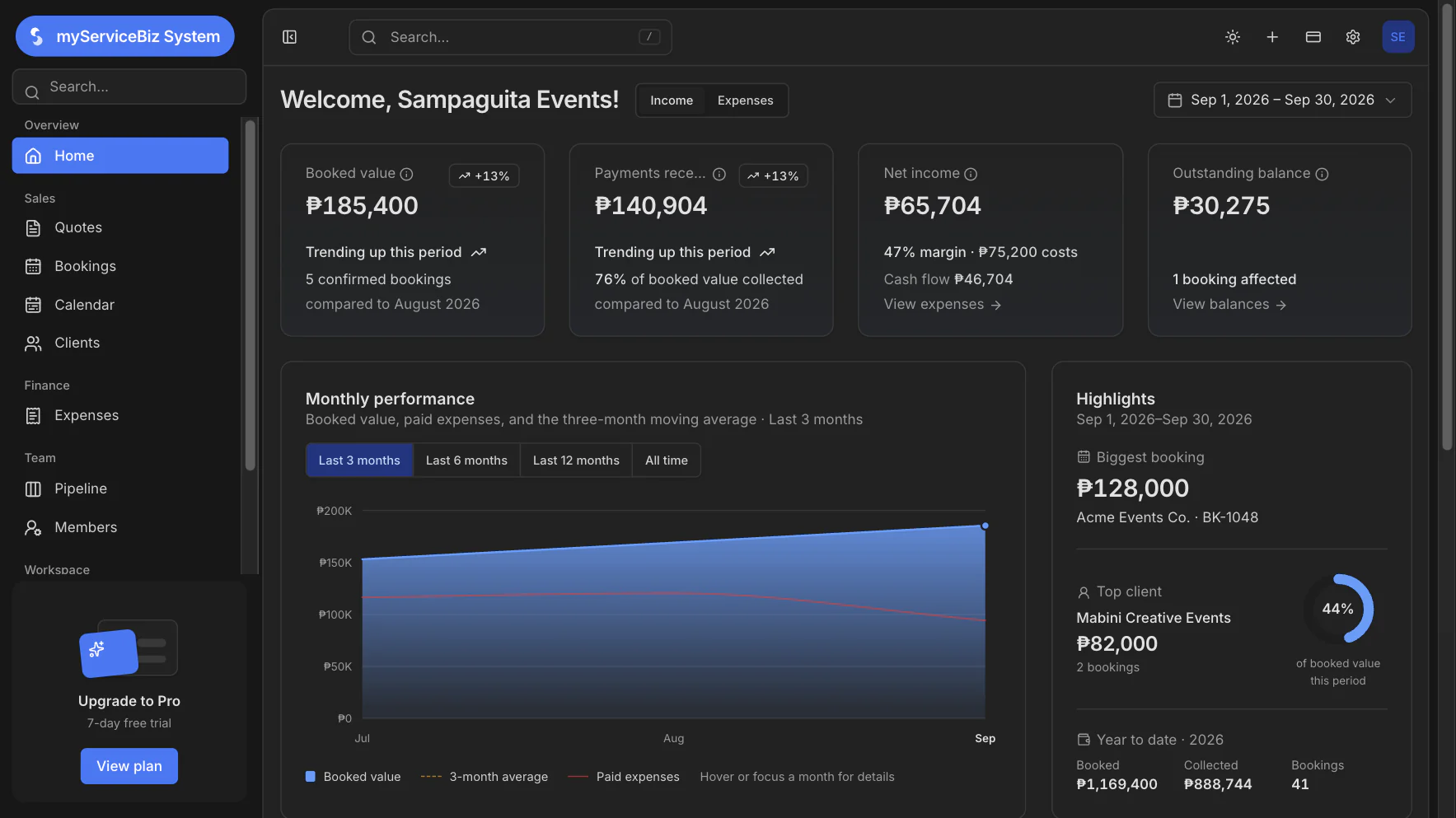
- No missed bookings
- No forgotten balances
- Expenses written down
- One record for the team
The real problem
You are not bad at tracking. Tracking is too much work.
No proper record means no clear view. No clear view means missed money.
Scattered
Leads in chat, dates in a calendar, payments in a bank or e-wallet, expenses in a spreadsheet. Nobody is looking at the same thing.
No time left
You already sold, showed up, and answered customers. Filling ten fields after every job is the work that gets skipped.
Missed bookings
A yes sits in chat. The date gets booked twice, or not at all.
No real numbers
Sales came in. You still do not know what you kept, who still owes you, or which service made the money.
Features
One place for the job.
The quote, the date, the payment, and what you kept.
Smart Paste
Send a formal quote in 1 minute.
Paste the inquiry. The details fill in automatically. Send a formal quote, all in under a minute.
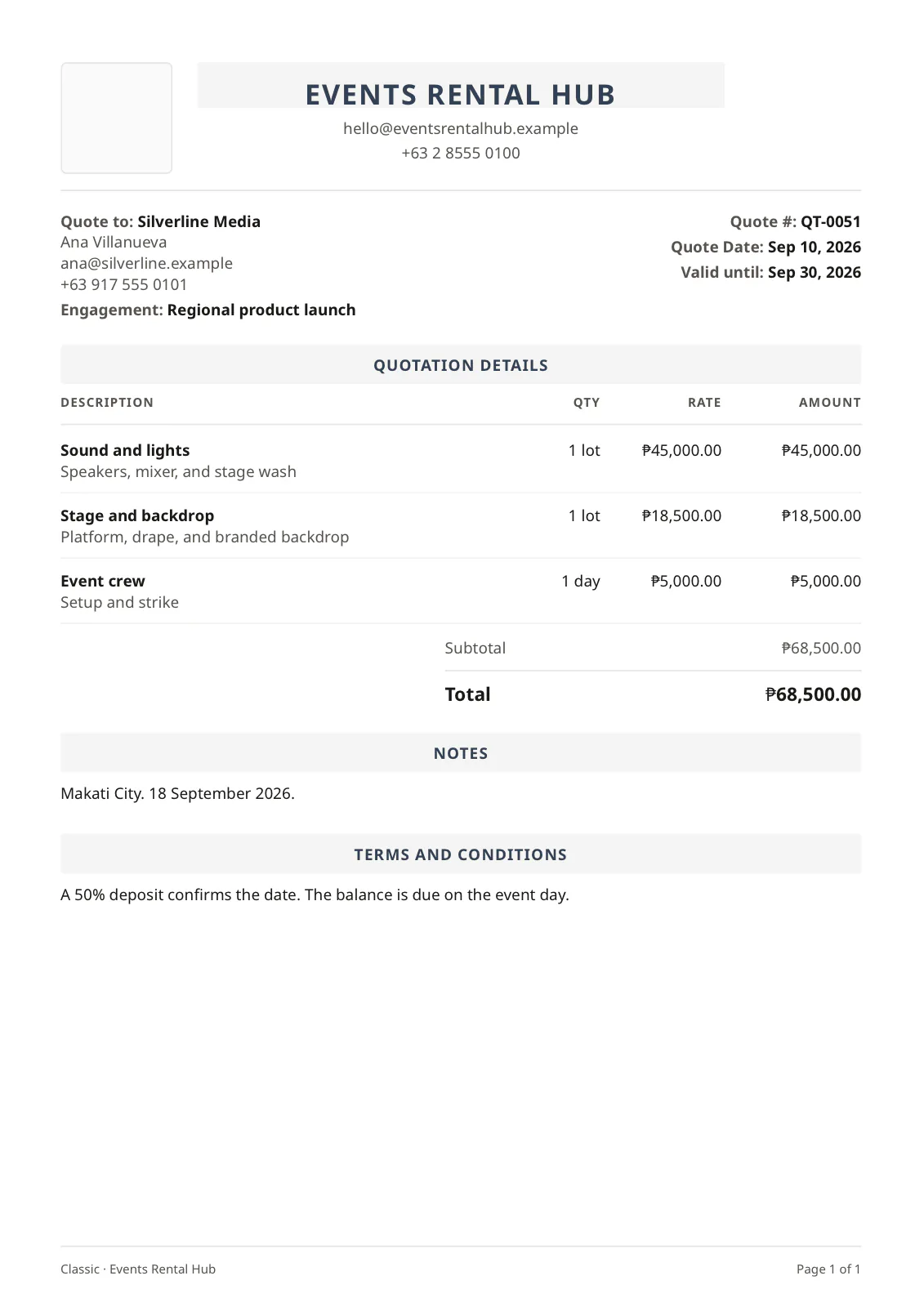
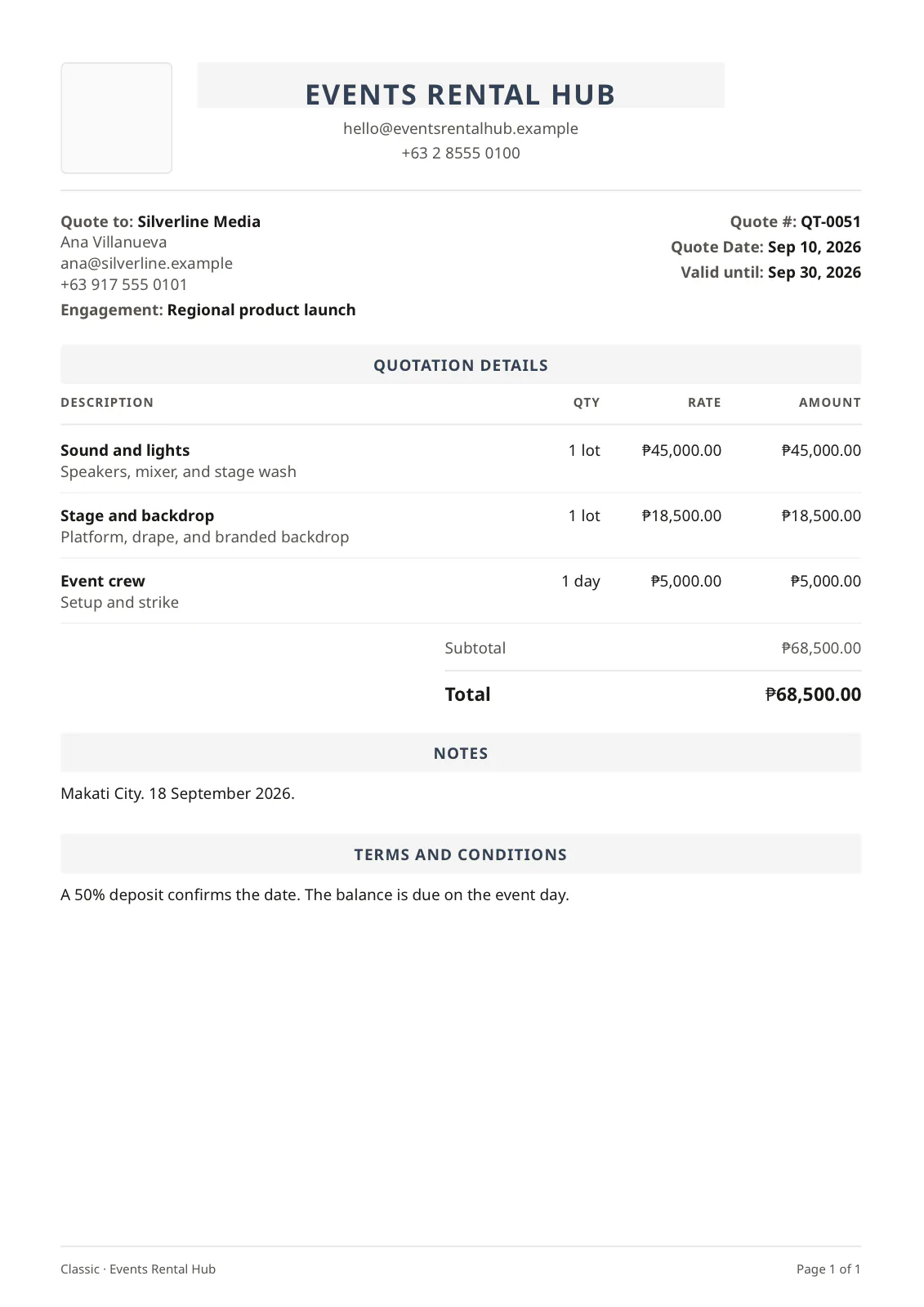
Paste the inquiry
Drop in the message. The quote does not start blank.
It fills in
Client, date, and items autofill. You check them before it goes out.
A formal PDF
Your logo on a real quote. Not a reply typed in chat.
The yes is the booking
That quote becomes the job. You do not type it again.
Track every payment
Stop scrolling old chats to see who paid.
Backreading the thread is a hassle. Every payment sits on that booking.
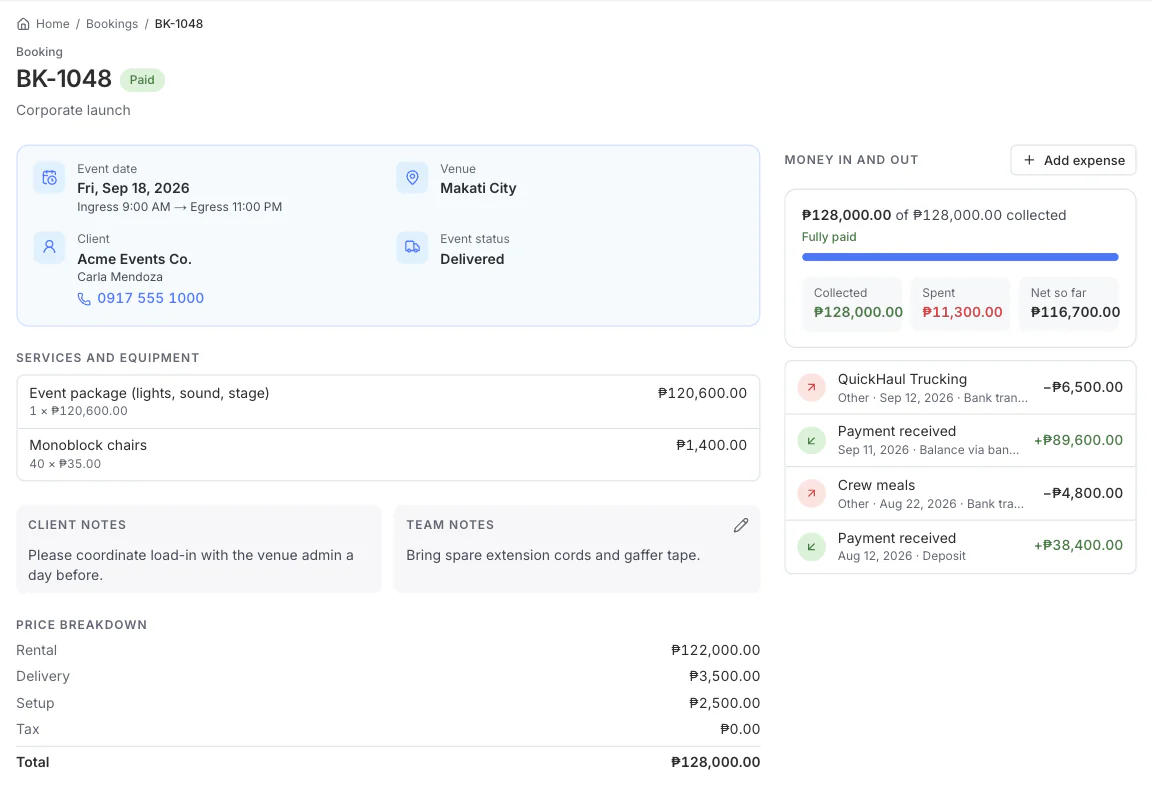
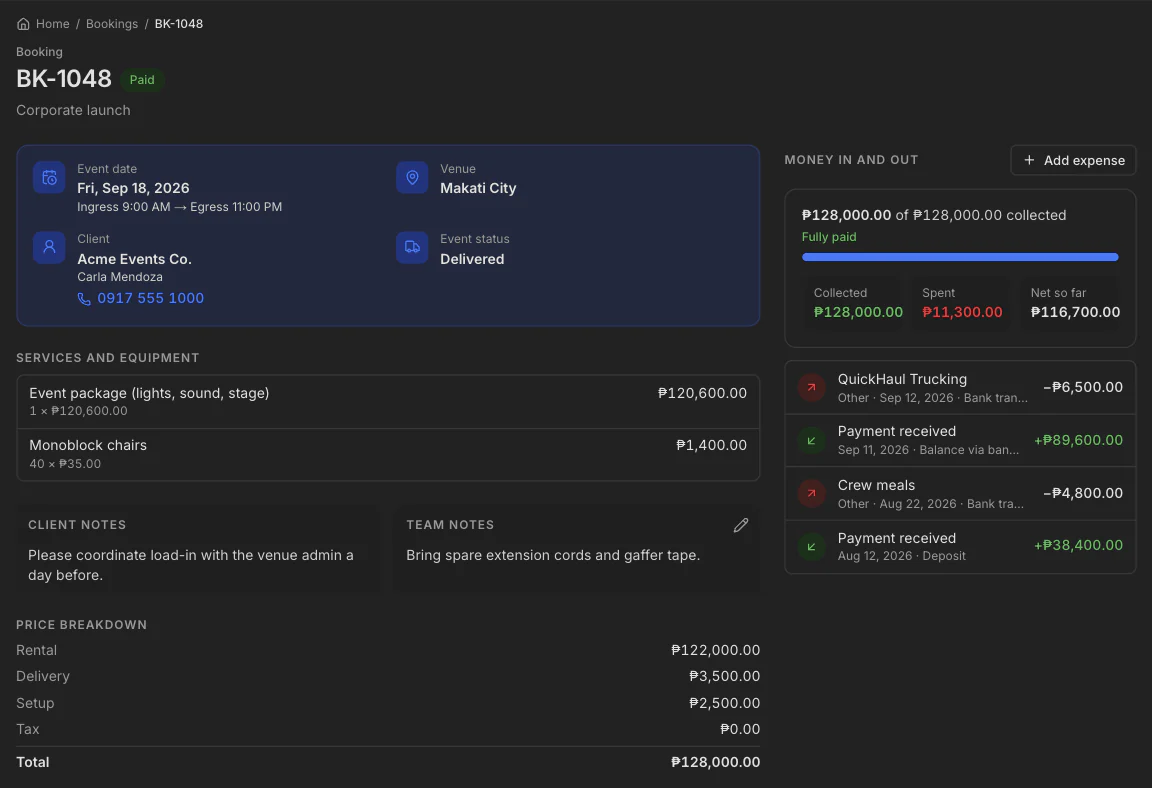
No forgotten payment
A deposit or a full payment is logged on that job.
No forgotten balance
What they still owe stays on the booking, not in the chat.
You see it before you follow up
Paid, partial, or still open. You do not have to guess.
The month, added up
What came in, and what is still open.
See what you kept
Busy month. What did you actually keep?
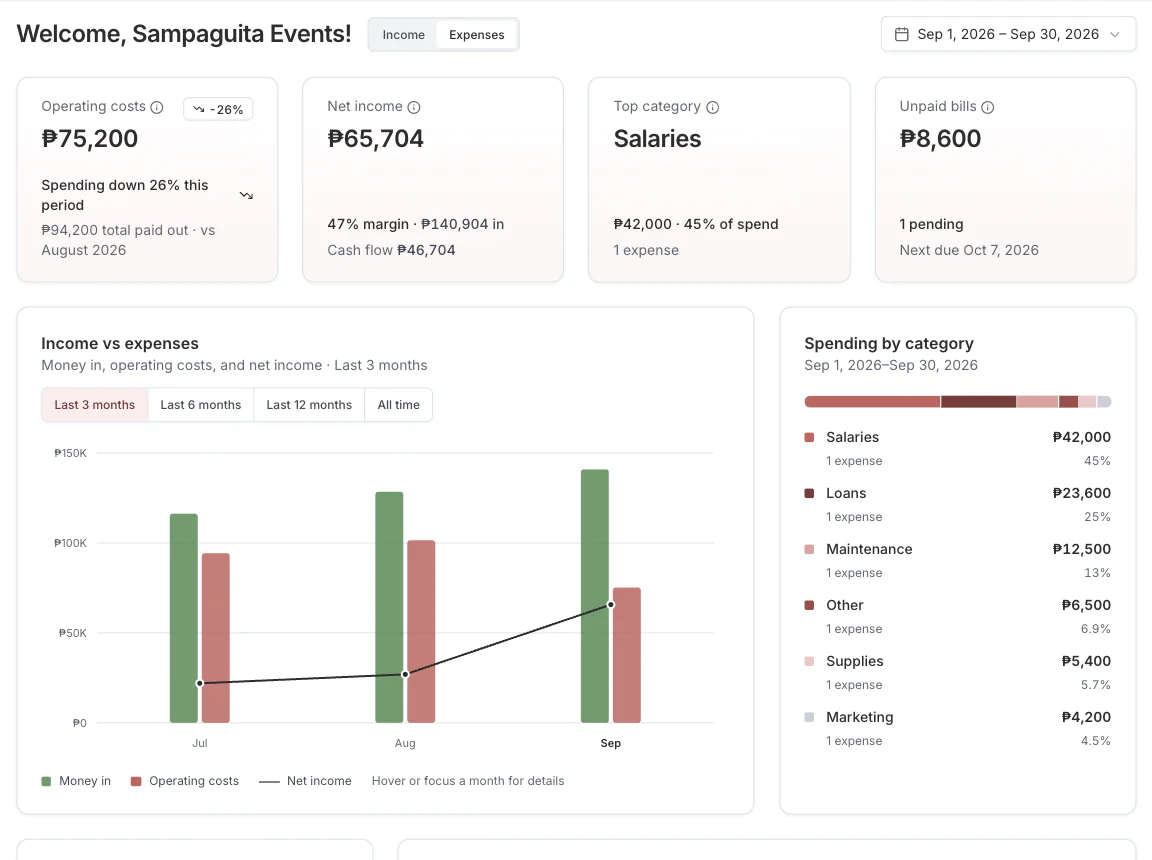
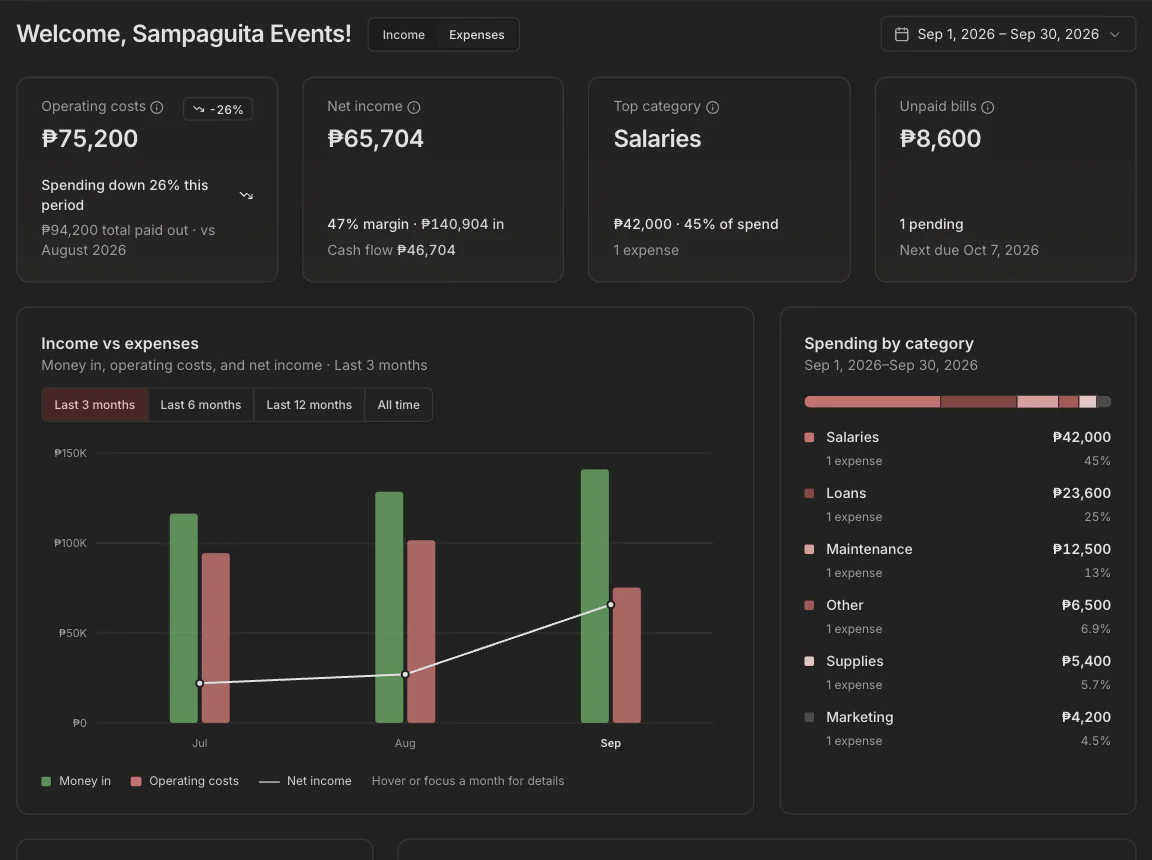
Sales are not profit. Income, costs, and what is left sit on one screen.
Write the cost once
Supplies, salaries, and loans. Not a note you lose.
Money in beside money out
Both sides of the month, together.
The number you kept
Profit for the month, not only the sales total.
Same job, next document
The quote becomes the invoice. You do not type it again.
Know your clients
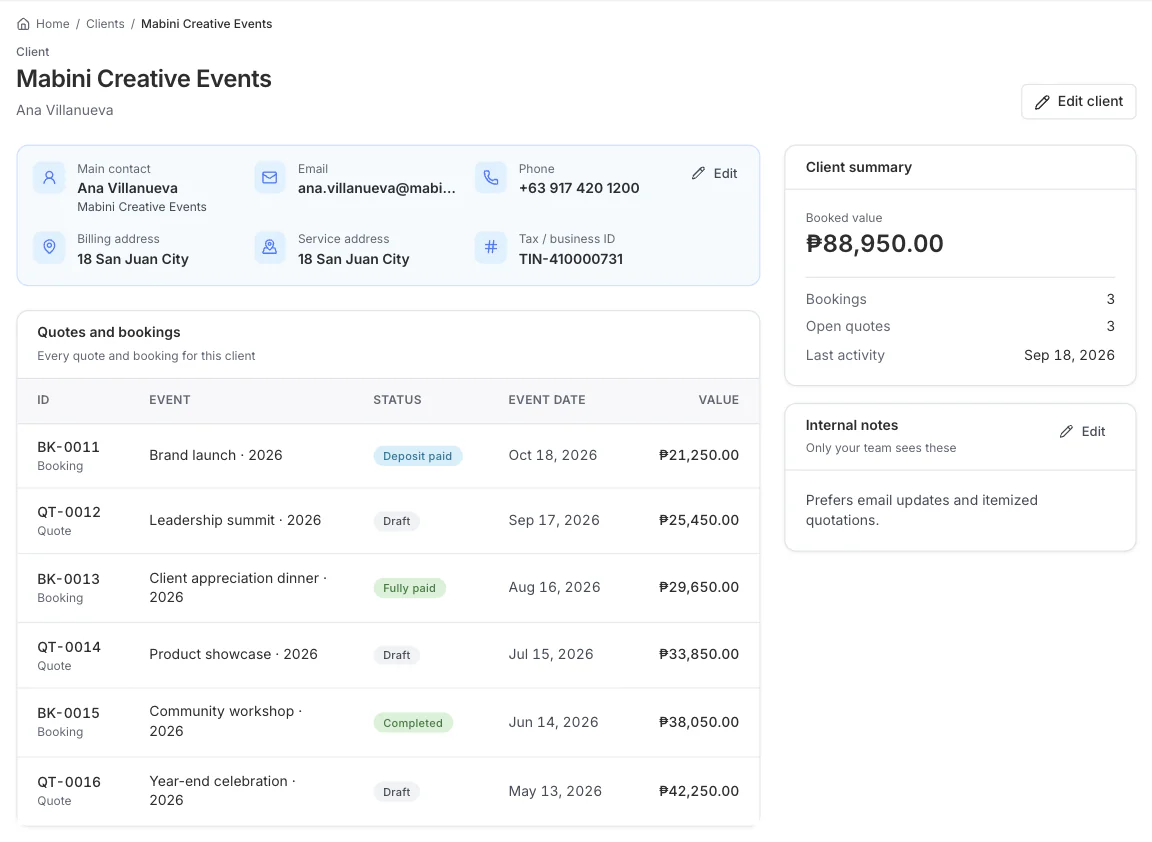
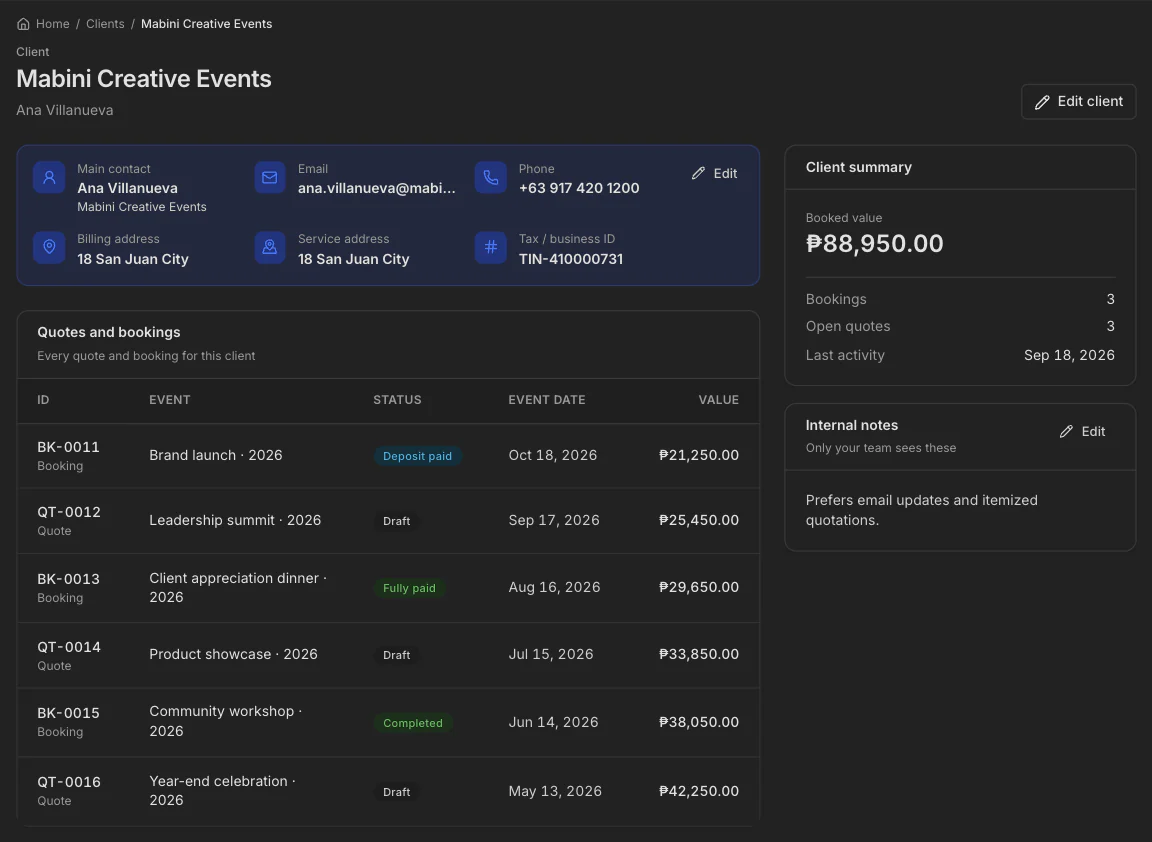
Open the client. See the whole story.
Jobs, payments, and what they still owe. You reply with the facts, not from memory.
One page, not a chat search
Name, number, and notes in one place.
Every job they booked
Past work is on the page.
What they still owe you
The balance follows the client, across bookings.
Who keeps coming back
You can see your repeat clients.
See the month
Say yes only when the date is free.
The calendar shows the job before you promise the day.
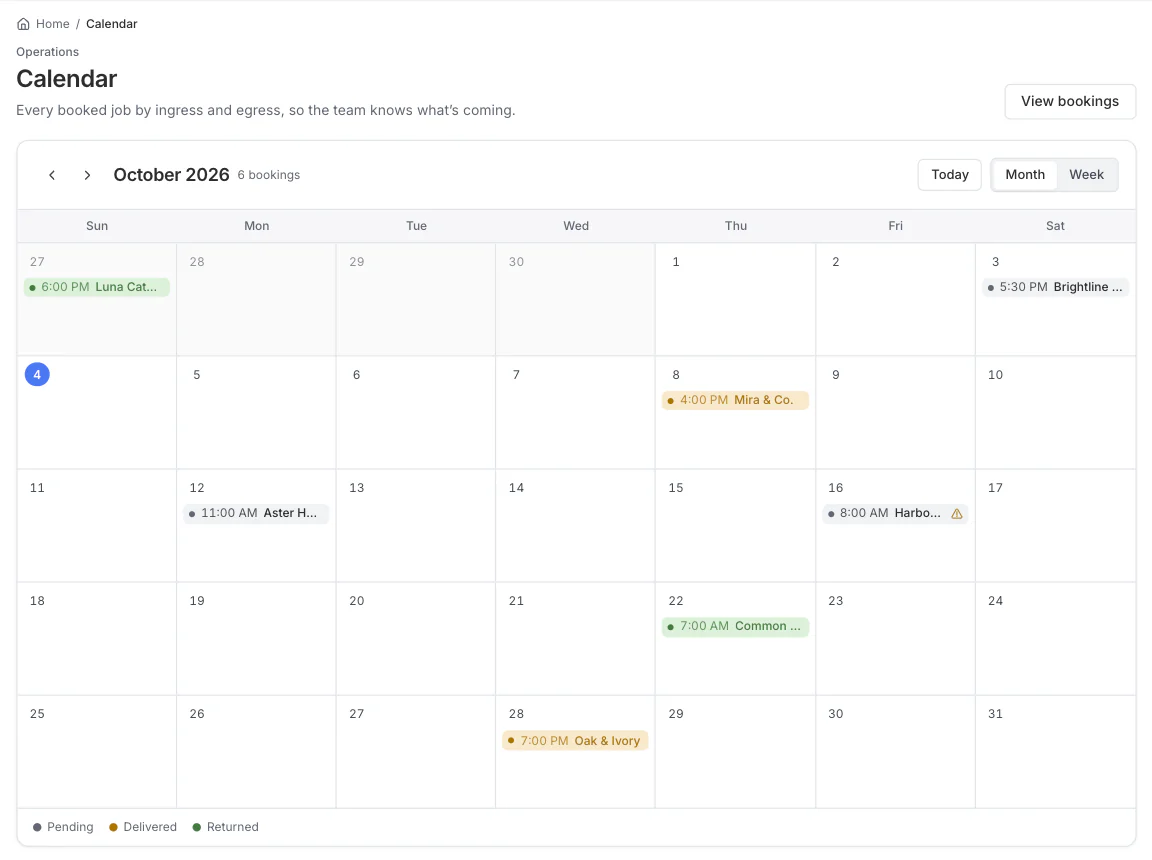
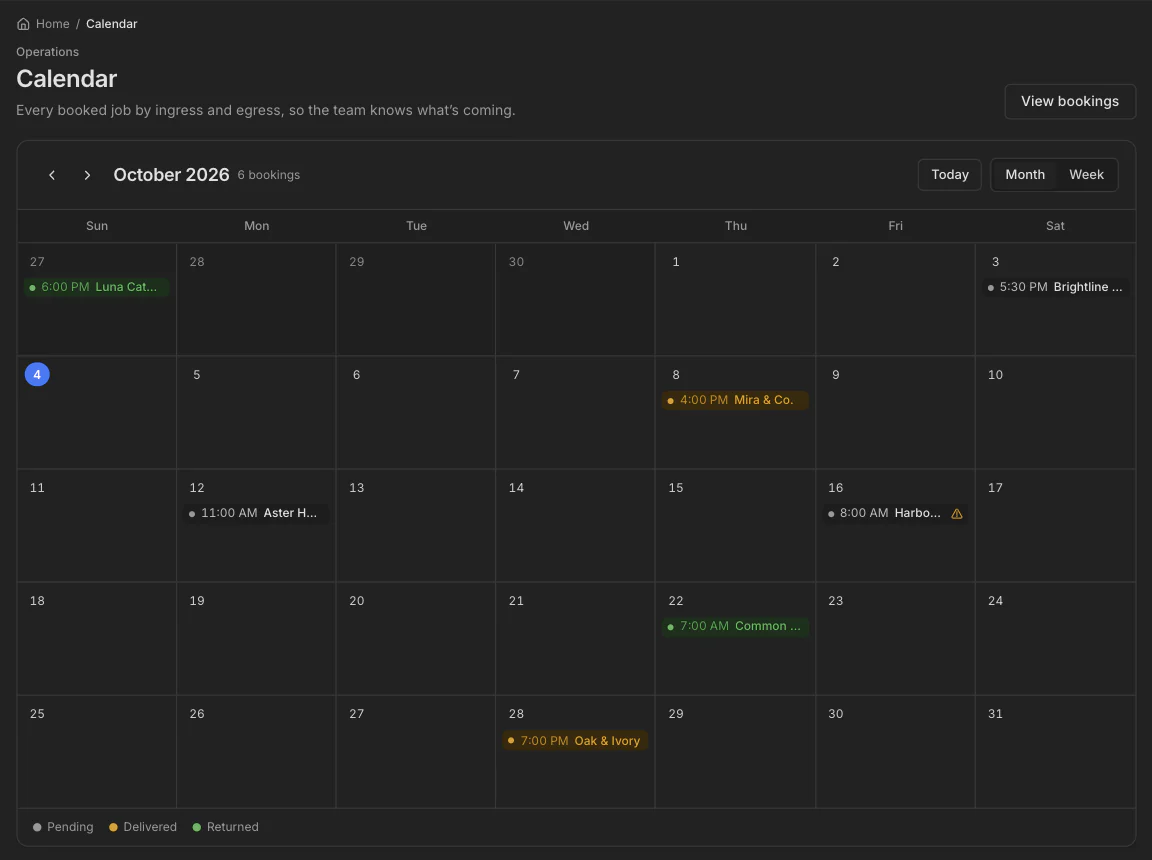
Every job on its day
The month shows each booking where it belongs.
Catch a double booking first
See the clash before you say yes.
See which equipment is free
Know what is out and what is free on that date.
Take your data with you
Export or delete everything, any time.
How it works
Paste the inquiry. Send the quote. Get the booking.
Paste the inquiry. The details fill in automatically. Send a formal quote, all in under a minute.
01
Paste the inquiry
Client, date, and items fill in.
02
Send the formal quote
A PDF with your logo. You check it first.
03
Get the booking
The yes becomes the job. The payment stays on it.
Introductory price
Everything you need to organize and run your service business.
₱299
/month
1-month free trial. No credit card required.
PayMongo · QR Ph
FAQ
Questions? We've got answers.
What is the introductory price?
One plan at ₱299/month — everything in the product. Pay yearly (₱2,999) to save about two months. Prices are in Philippine pesos.
How does the free trial work?
Every new workspace gets a 1-month free trial with the full product. No credit card. When the trial ends, choose the introductory price to keep editing, or stay read-only until you pay.
Do I need a card to start?
No. Sign up and use the workspace during the trial without entering payment details.
How do I pay after the trial?
Open Plan & billing in the app. Pay through PayMongo with card, GCash, Maya, or QR Ph. Pay for a year in one checkout, or pay month by month (each month is a separate payment — no automatic renewal).
What happens when my trial or paid time ends?
The workspace becomes read-only. Nothing is deleted: you can still view and download your data. Pay again anytime to edit.
What counts as a team seat?
Each teammate and each pending invite. The introductory price includes 3 seats.
Do my clients need an account?
No. Your clients receive a PDF from you. Only you and your team sign in.
Who can see my data?
Only the people you invite. Each workspace is kept separate, and the owner can export everything or delete the workspace from Settings. See the privacy policy.
Serve the customers. Leave the second job.
- Track bookings
- See income and expenses
- Keep clients organized
1-month free trial. No card needed.